Windows 部署 OpenClaw
本文教你从零在 Windows 上部署 OpenClaw:无需科学上网,本地部署、无需 WSL。涵盖 Node.js / Git / Visual Studio 安装、npm 国内镜像、openclaw 安装与常用命令。
一、部署环境说明
- 无需科学上网
- 本地部署,无需 WSL
二、安装步骤
1. 安装 Node.js、Git 和 Visual Studio
(1)下载安装包
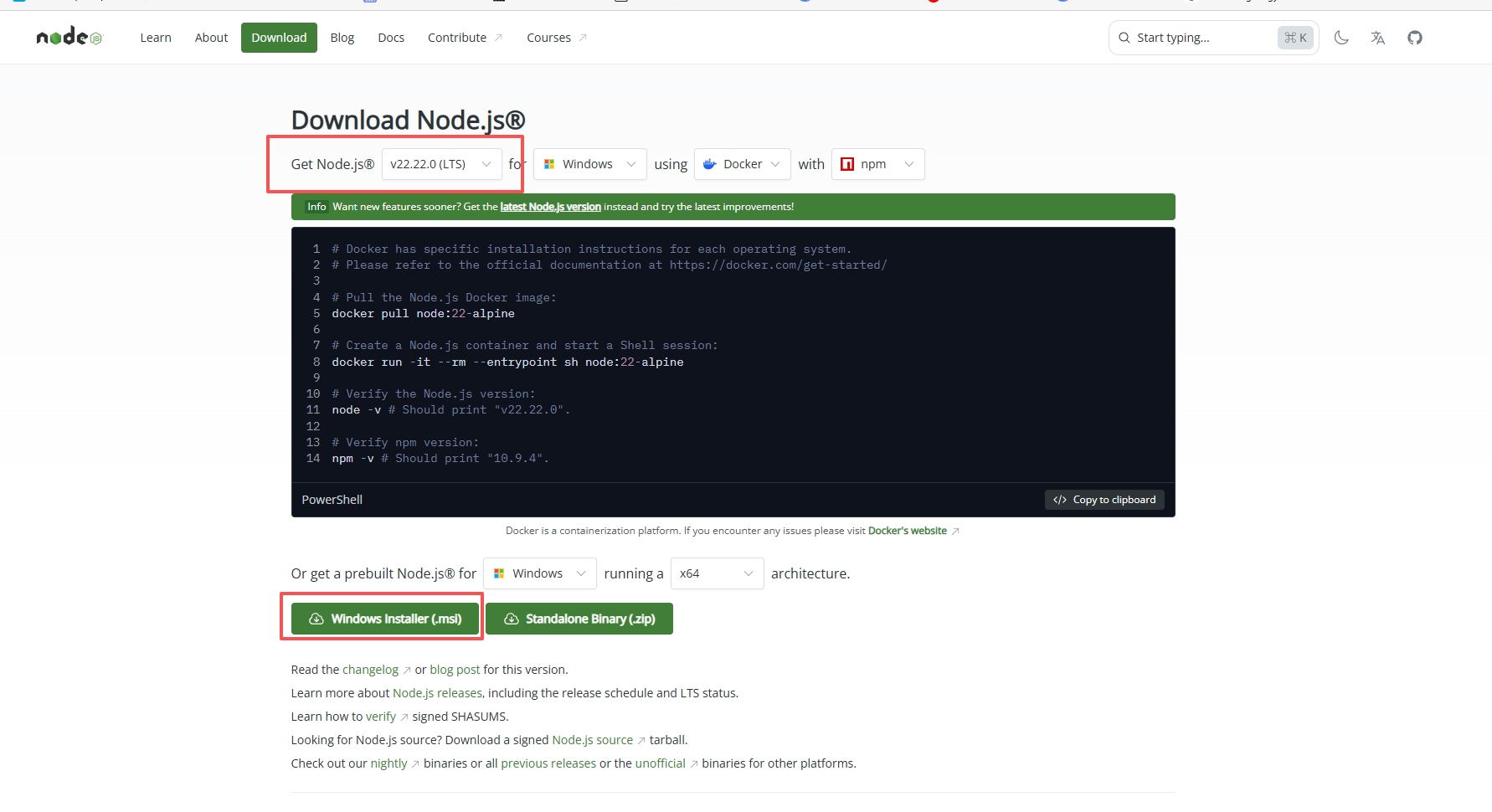
- Node.js 下载地址: Node.js — Download Node.js®
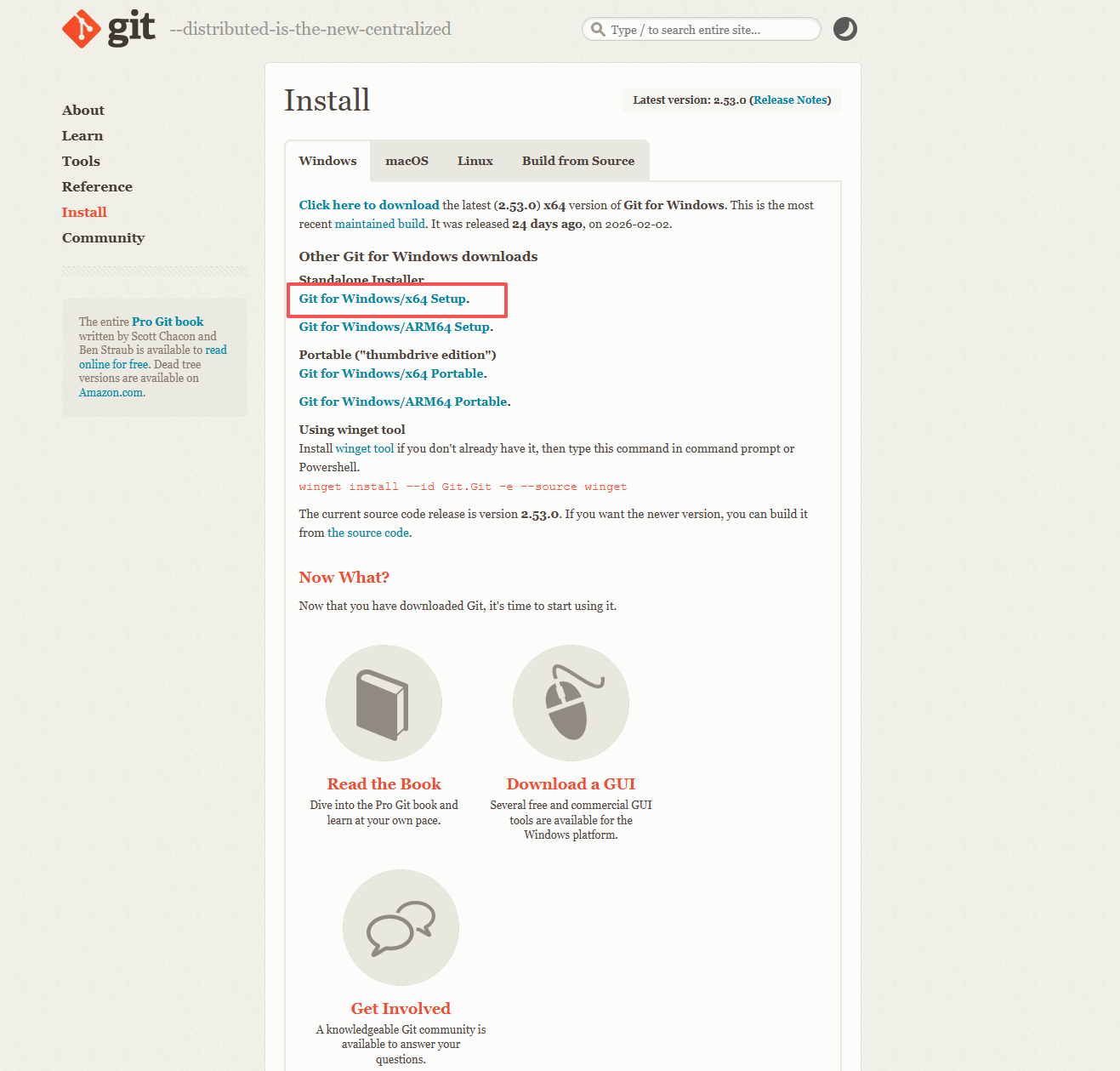
- Git 地址下载 https://git-scm.com/install/windows
- 安装 git 和 nodejs
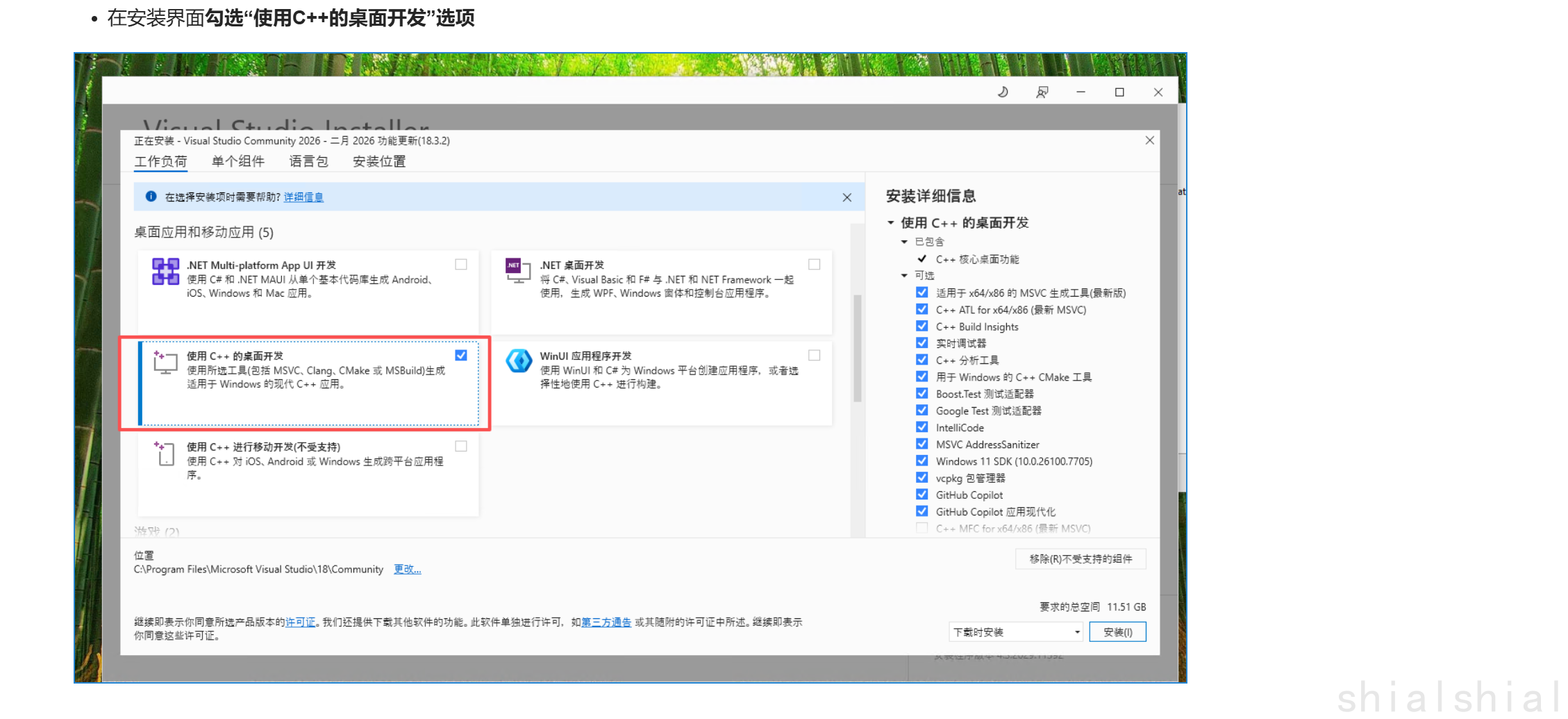
- 安装 Visual Studio:https://visualstudio.microsoft.com/zh-hans/
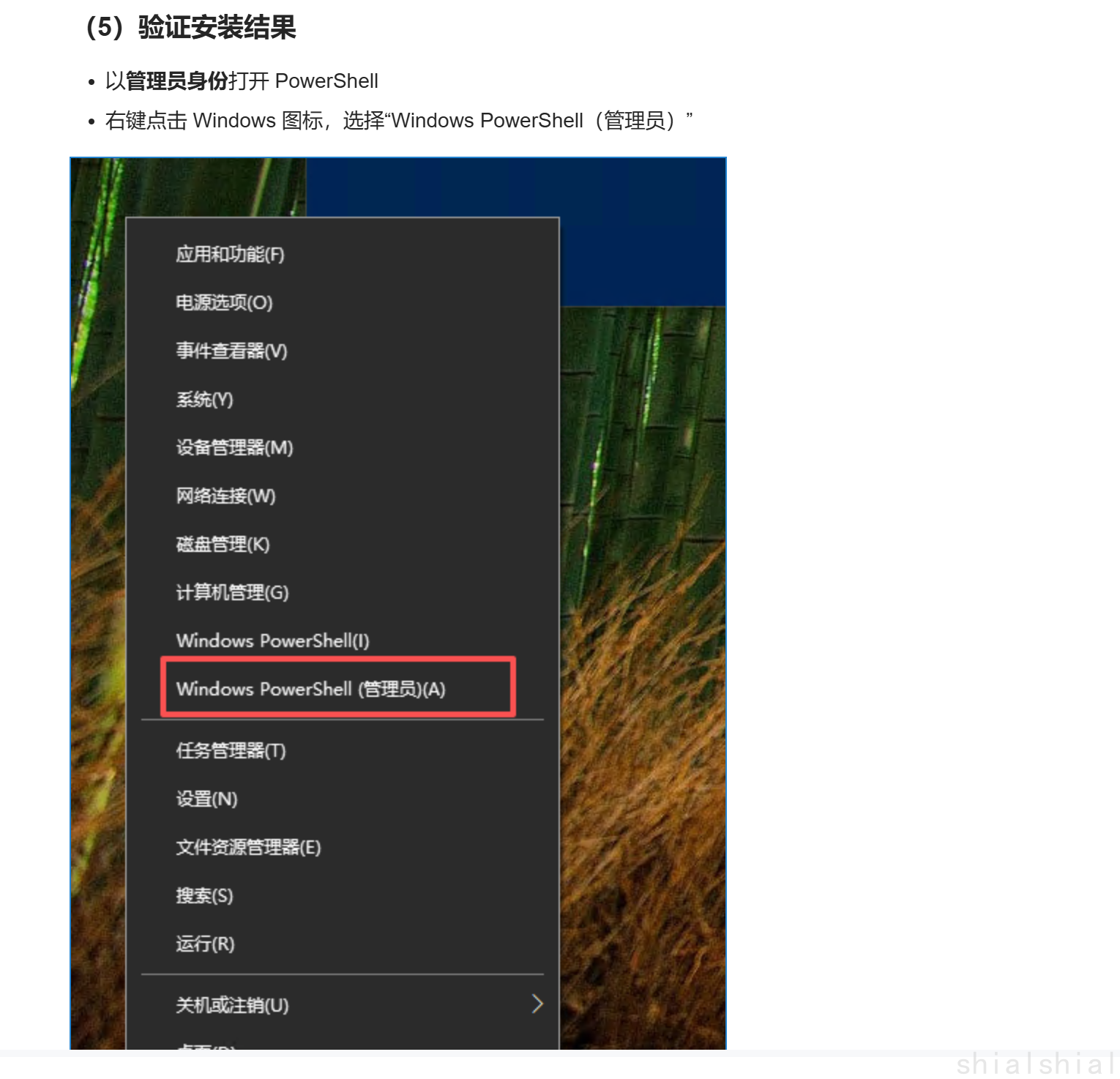
Set-ExecutionPolicy -ExecutionPolicy RemoteSigned -Scope CurrentUser
node -v
npm -v
git -v
2. npm 切换为国内镜像
淘宝源(最新):这是目前最常用的源。
设置方法:
npm config set registry https://registry.npmmirror.com检查是否配置成功:
npm config get registry其他国内镜像源
- 腾讯云:
https://mirrors.cloud.tencent.com/npm/ - 中科大:
https://mirrors.ustc.edu.cn/npm/ - 清华大学:
https://mirrors.tuna.tsinghua.edu.cn/npm/
- 腾讯云:
恢复官方源
如果需要切回官方源,执行:
npm config set registry https://registry.npmjs.org/
推荐的安装方式:cnpm
可以安装 cnpm 专门用于国内下载:
npm install -g cnpm --registry=https://registry.npmmirror.com
# 之后使用 cnpm install 代替 npm install
配置成功检查
执行以下命令,若输出 https://registry.npmmirror.com/ 则说明配置成功:
npm config get registry
3. 安装 OpenClaw
npm i -g openclaw
验证安装:
openclaw --version
如果显示版本号就是安装成功。
三、常用命令
openclaw gateway start     # 启动网关
openclaw gateway stop      # 停止网关
openclaw gateway restart   # 重启网关
openclaw channels login    # WhatsApp QR 配对登录
openclaw channels add      # 添加 Telegram/Discord/Slack 机器人(可加 --token)
四、常见问题
SSH 网络错误:临时绕过 git SSH 问题
git config --global url."https://github.com/".insteadOf "ssh://git@github.com/"更多问题参见 OpenClaw 常见问题
验证与自查
openclaw --version正常输出版本号openclaw gateway start后,浏览器访问 http://127.0.0.1:18789/ 可打开控制台npm config get registry输出https://registry.npmmirror.com/(若已配置国内镜像)- 在网关控制台发起一次对话,能收到模型回复即部署成功